Draw a coordinated system, not a shopping list
A simulator combines sensing, software, display, computing and impact containment. Selecting each item independently can produce a set of excellent products that work awkwardly together. Begin with the verified room envelope, intended players and likely uses. Then ask an experienced integrator to identify compatible combinations and explain the architectural consequences of each.
Use current, model-specific installation documents. A brand’s reputation or a product-family name does not establish mounting height, ball position, permitted lighting or required tracking distance. Confirm software compatibility, licences, support arrangements and any ongoing charges directly with the supplier before committing to the joinery or electrical layout.
Choose tracking around the room
Different tracking arrangements occupy different parts of the space. A unit beside the ball can be accessible and comparatively easy to service, but may need repositioning for opposite-handed players. A fixed overhead arrangement can leave the floor clearer, while introducing ceiling, mounting and calibration constraints. A behind-player system may need a depth relationship that the room cannot provide.
TrackMan, Foresight Sports, Uneekor, FlightScope and Garmin offer products using different combinations of sensing and placement. These are examples of real manufacturers, not a shortlist or an endorsement. Check the exact model: general labels such as “camera” or “radar” do not explain every hybrid system or its indoor requirements.
| Arrangement | Room coordination | Question to resolve |
|---|---|---|
| Ball-side unit | Protected floor position and cable route | How is handedness changed without creating a trip or impact hazard? |
| Overhead unit | Ceiling height, mounting zone and maintenance access | Does the required position remain outside the verified swing envelope? |
| Behind-player unit | Tracking distance and clear rear floor area | Does the complete required depth fit after screen stand-off is allowed? |
Treat the impact screen as a moving surface
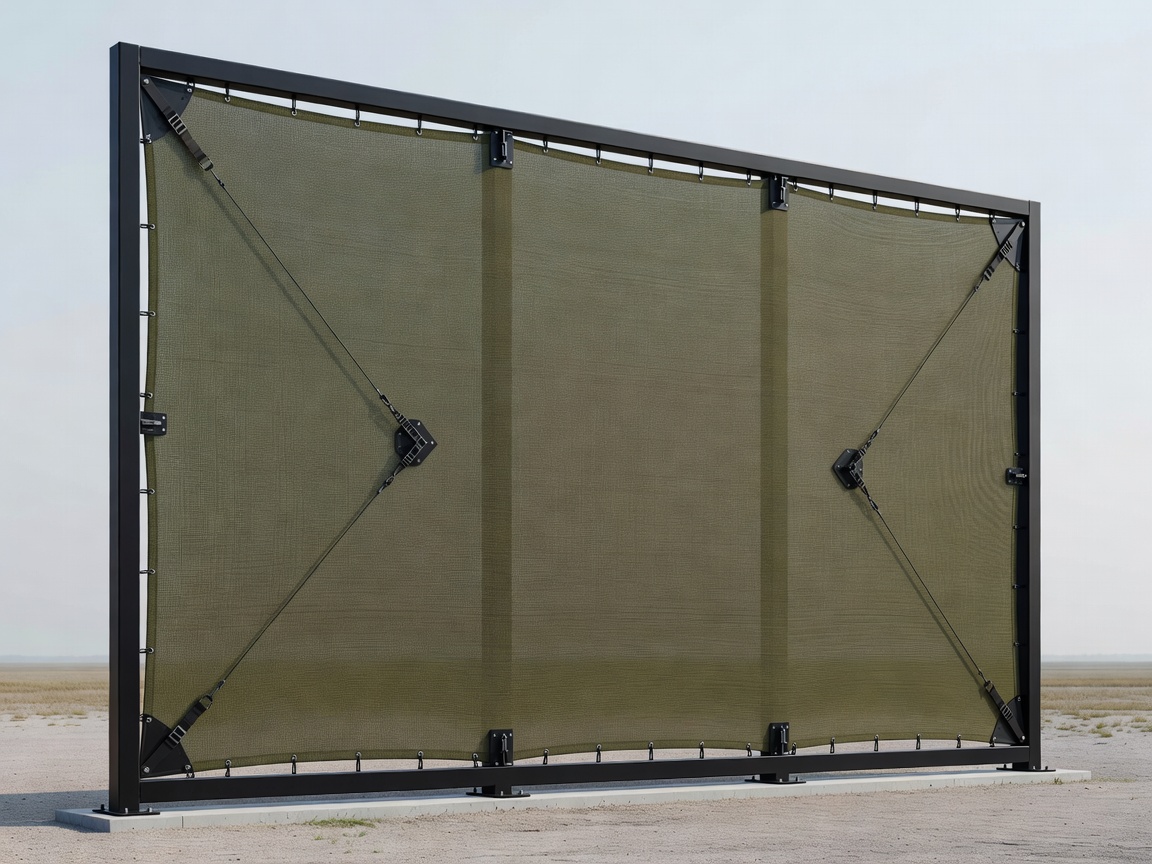
A projection screen intended for cinema is not automatically suitable for repeated golf-ball impact. The impact surface and its fixings need to be specified for the intended activity, with the required tension and rear clearance. Too little room behind it can allow contact with the wall; an inappropriate installation can produce excessive rebound or premature wear.
Keep decorative trims, speakers and cabinet edges outside the protected ball zone. Concealing the frame should not make inspection impossible. Design a way to replace the fabric without dismantling an entire wall, and keep the manufacturer’s adjustment points accessible. Visual neatness is valuable only if the impact system remains safe and maintainable.
Resolve the projector in section
Projector selection is a geometric task as much as a brightness decision. Screen width, image aspect ratio, lens throw, offset and mounting position should be tested together. A short-throw label alone does not guarantee an unobstructed image or an unobstructed swing. Draw the light path and assess shadows, glare and the risk of a club contacting the housing.
Manufacturers such as Epson, BenQ and Sony publish model-specific lens and installation information. Use those documents rather than a generic distance estimate. Coordinate power, signal cabling, ventilation clearances and a safe service approach. A projector concealed inside an attractive unventilated box can run noisily or outside its permitted operating conditions.
Separate useful light from stray light
The room needs enough illumination for safe movement, equipment operation and any required ball or club observation. At the same time, light falling directly onto the screen can reduce perceived image contrast. Build distinct lighting scenes and test them with the selected tracking system. Some devices have specific sensitivity to light sources, flicker or infrared interference.
Keep fittings clear of the swing and ball paths. Avoid polished surfaces that introduce unwanted reflections near sensing zones. A dark visual surround may help the image, but it should not make thresholds, steps or floor edges difficult to read. The best lighting plan serves the person as carefully as the camera.
Make maintenance a normal household task
Locate the computer and network equipment where heat can escape and routine access is straightforward. Provide labelled connections, spare cable pathways where practical and enough slack for servicing without damaging plugs. Coordinate electrical protection and fixed wiring with a qualified electrician working to applicable local requirements, including the relevant NF C 15-100 provisions in France.
At handover, request a simple system diagram, the final settings, software account ownership and a restart procedure. Test a full session, a handedness change where relevant and the return to the room’s non-golf state. Technology recedes most convincingly when its operation is understandable. The next question is how the surrounding house uses the room when the system is off.